

Your team already adds and removes people in the access system. A mobile credential should follow that change, not start an integration project.
Most teams already know how they manage people. They add a person in the access system. They remove a person from the access system. The trouble starts when that person also needs a mobile credential.
That request usually becomes a project: a connector for this access system, or custom software for the next one — work IT has to build, then keep running.
A new site on a different access system starts the work over. The delay is not the credential. It is the connection between the credential and the system that already decides who gets in.
Why mobile is usually the slow part
Many access control systems do not support Aliro yet. A native integration with each one is slow and costly to build. Custom connectors are fragile.
A physical identity and access management (PIAM) platform can sit in the middle. That is a separate installation, a separate relationship, and a separate cost.
Each of these paths turns a credential decision into an integration project. And if another site runs a different access system, that work often starts again.
Aliro Connect works the way your access system already does
Aliro Connect takes a different approach. It uses a virtual controller to add a virtual door to the access control system you already run. The virtual controller emulates that system’s native protocol, so the access system talks to it the way it talks to its other controllers.
For Mercury™-based systems, such as LenelS2® OnGuard®, Aliro Connect appears as a Mercury™ 2220. For iSTAR®-based systems, such as Software House® C•CURE® 9000, it appears as an iSTAR® Ultra.
There is no on-premises software to install. Setup takes a few minutes.
You do not replace the access system. You do not replace the controllers. You do not ask security to learn a new way to manage people. Your team keeps adding and removing people where it does today.
The access system does not change. It gains a door.
Assign the access level. The credential follows.
Once the virtual door is in place, issuing a mobile credential looks like everyday administration. Assign a user to a clearance or access level that includes the virtual door. Safetrust Credential Manager sends that person a mobile credential invitation automatically. Remove the user from that level, and the credential is revoked.
Policy stays in the access system. If permissions change after a credential is issued, the controller still grants or denies access the same way it does today.
Aliro Connect works with access control systems that use Mercury™ or iSTAR® controllers: more than 30 access control systems today. AMAG is in development, and others will follow. Aliro Connect can also connect to more than one access system at once. Teams that run more than one access system can use one approach instead of a separate project for each.
Access policy stays where it is. The credential follows the person.
Certificates, not shared secrets
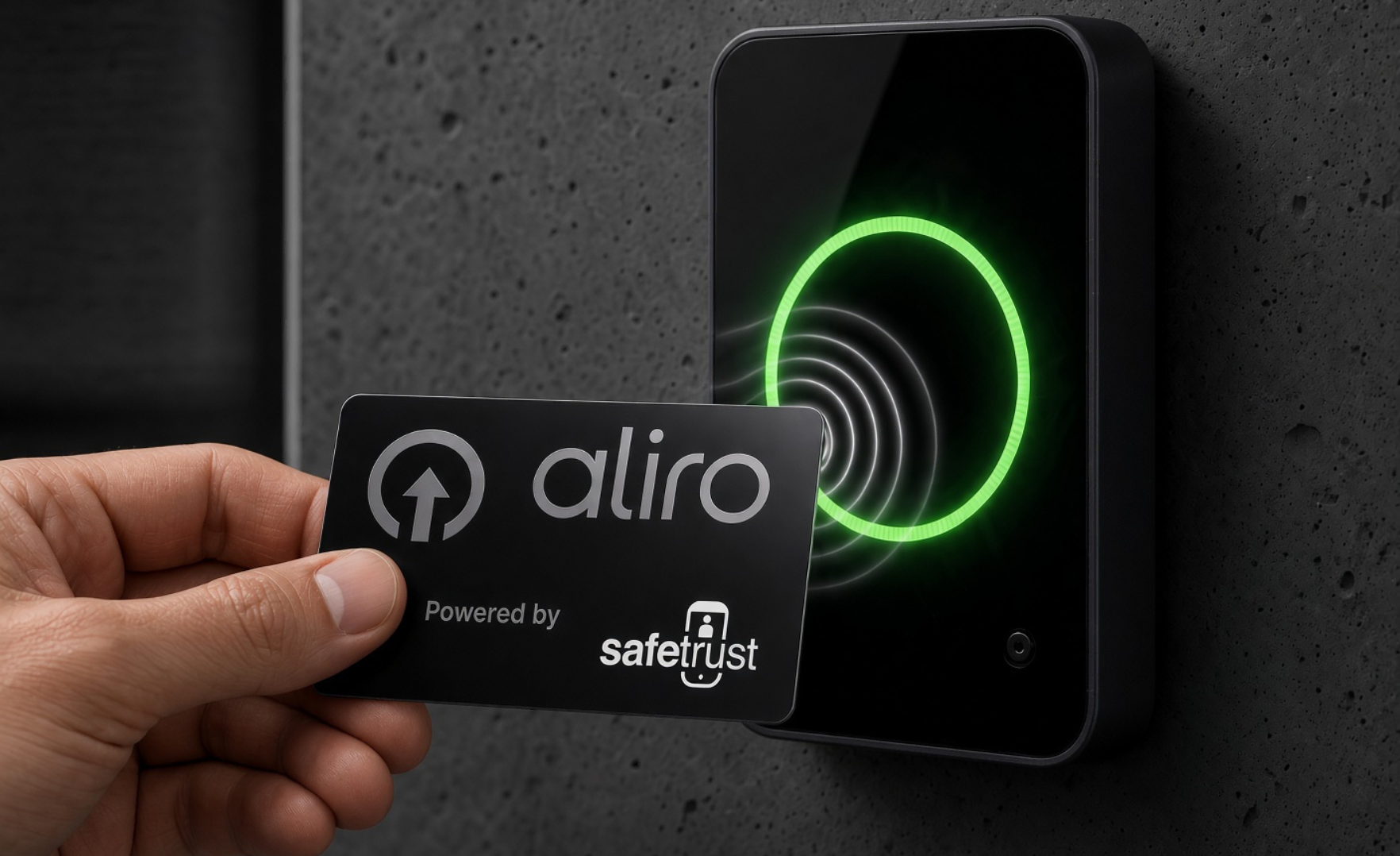
Aliro is an open standard from the Connectivity Standards Alliance, whose roughly 400 members include Apple, Google, and Samsung. It is built for interoperability. Readers and credentials from multiple manufacturers can work together.
Legacy credentials rely on symmetric keys. If one reader is compromised, the master key can be exposed. Aliro uses certificate-based authentication instead.
Organizations can act as their own certificate authority/root of trust. Safetrust encourages it.
Safetrust follows the Aliro specification as written. There is no custom Safetrust version of Aliro. That preserves interoperability and breaks vendor lock-in.
The building does not have to be on Aliro first
Earlier sessions in this series covered the Aliro standard, migration, and Aliro on physical cards and mobile. Aliro Connect is another tool that simplifies migration away from proprietary lock-in towards open interoperable Aliro.
You can still move in phases: upgrade readers, and where helpful use Safetrust Aliro Migration Cards that carry both legacy technology and Aliro. Aliro Connect is the mobile step — adding mobile credentials even when the access system itself does not natively support Aliro.
You do not have to move every badge to Aliro before you can start. Each step can happen on its own schedule, and the access system stays in place throughout.
If you would like to try it out, contact Safetrust Sales and we’ll set you up in a sandbox so you can experience how easy it is to add Aliro to your legacy ACS.
On November 4, 2026, we walked this model in Aliro Connect: The Simplest Path to Connected Credentials, seventh in the Safetrust Aliro series. We covered the virtual controller and virtual door, how access levels drive mobile issuance and revocation, certificates and customer-owned roots of trust, and the phased path from legacy cards to mobile.
Watch the session on demand today.
Earlier sessions remain at youtube.com/@safetrustinc, and additional Aliro resources can be accessed at safetrust.com/aliro.
Aliro is a trademark of the Connectivity Standards Alliance. Software House, C•CURE and iSTAR are trademarks of Johnson Controls. Mercury is a trademark of its respective owner. LenelS2 and OnGuard are trademarks of their respective owners. All other trademarks are the property of their respective owners. Safetrust is not affiliated with, sponsored by, or endorsed by any access control vendor named in this article. Compatibility statements are made solely by Safetrust Inc. and depend on product version and configuration. Safetrust independently developed its emulation technology.